


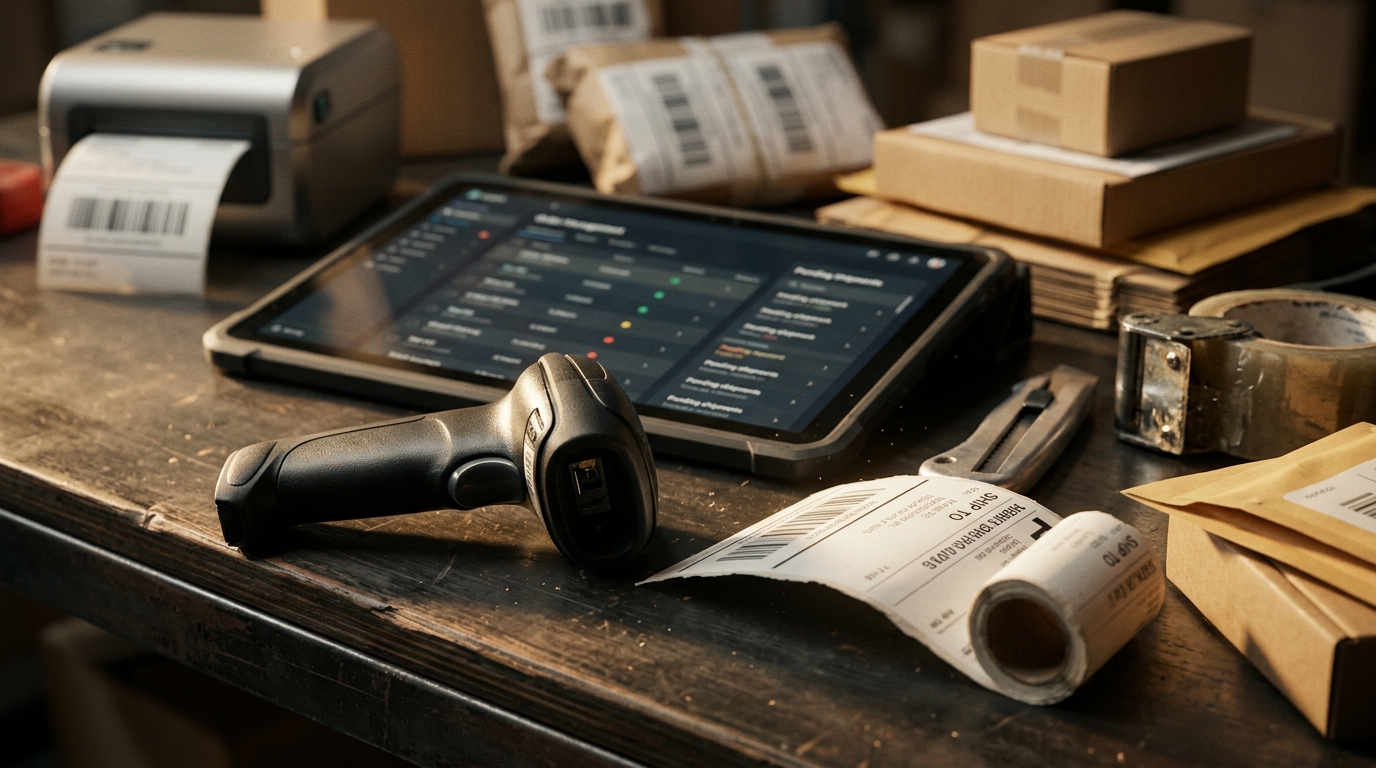
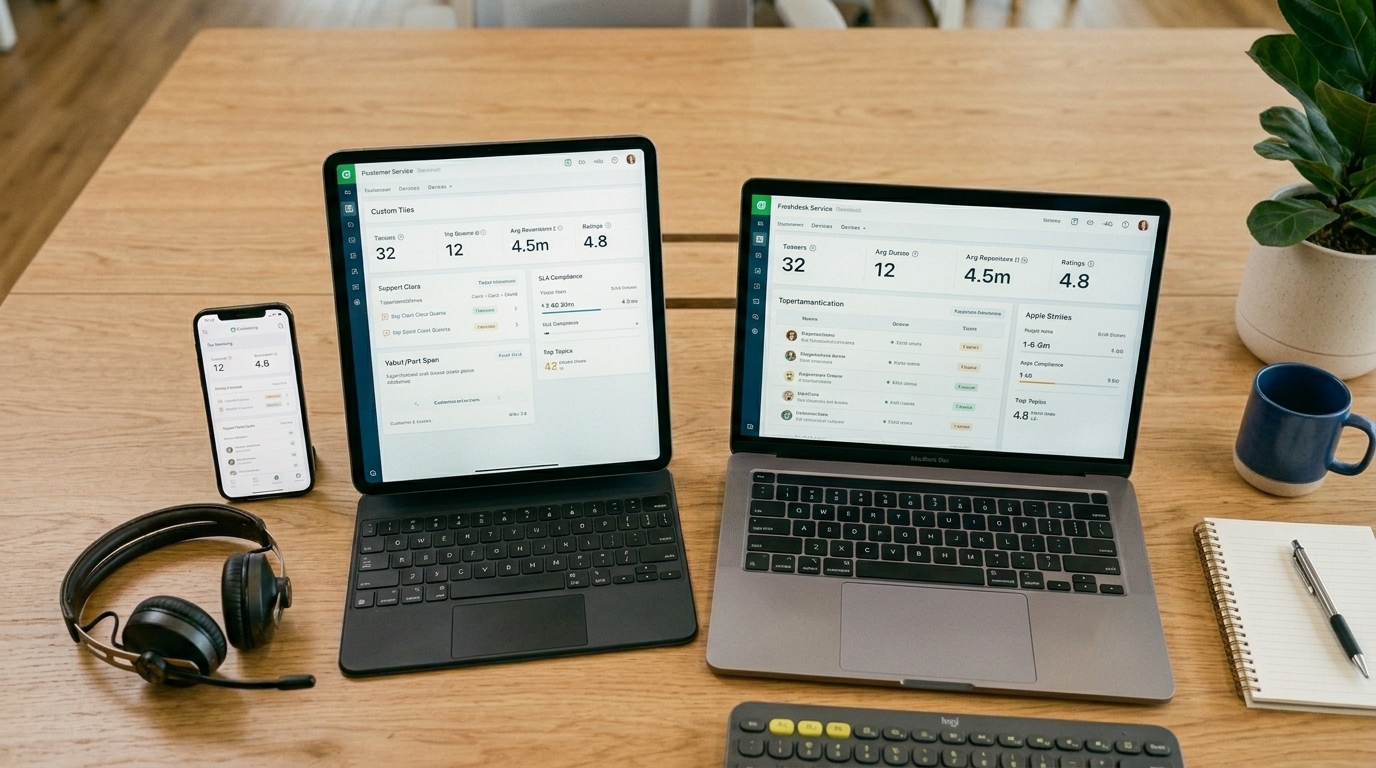






Selling on Amazon, Shopify, Walmart, eBay, Etsy, or other channels can create more opportunities, but it can also scatter the information needed to make good decisions. How can a multi-channel dashboard help my sales? It gives sellers one view of the signals that affect revenue, including product demand, stock availability, order flow, returns, and profit.
The dashboard itself does not create demand. Its value is helping a team spot where sales are being lost, decide what to fix first, and act before a stockout, late order, or unprofitable promotion becomes more expensive.

A Dashboard Should Turn Data Into Sales Decisions
A dashboard gives users an at-a-glance view of data relevant to a specific objective or process. For sellers, a multi channel dashboard should bring channel activity into one operating view rather than forcing the team to compare separate marketplace reports, storefront data, and spreadsheets.
The best dashboard does not try to show every available metric. It highlights the information that can change a sales decision today, such as a product selling faster than expected, a listing receiving traffic but not converting, or a channel producing revenue with poor margin.
How Can a Multi-Channel Dashboard Help My Sales?
It connects revenue signals to operational action. Instead of treating sales as a single total, sellers can see why one channel, SKU, or order path is performing differently from another.
1. Protect Sales Before a Stockout Happens
A product cannot convert when it is unavailable. A dashboard that shows available inventory, open orders, incoming stock, and channel demand helps teams spot products that need replenishment or allocation before they disappear from sale.
Real-time stock availability is especially important when the same SKU is listed across several channels. A seller may decide to protect the final units for the channel with the stronger margin, delivery promise, or repeat-purchase value.
2. Find Revenue That Does Not Produce Enough Margin
More sales do not automatically mean better results. Marketplace fees, shipping labels, discounts, refunds, advertising, and fulfillment costs can make a fast-selling product less valuable than it first appears.
A channel-and-SKU margin view helps sellers compare revenue with the costs behind it. This is often the most useful answer for teams asking how can a multi-channel dashboard help my sales without simply increasing ad spend.
3. Prioritize Listings That Need Attention
A listing can underperform because it is missing product attributes, has weak images, is using the wrong variation data, or is competing against better-positioned offers. Looking only at total channel revenue can hide those issues.
Use centralized listing control to review products that have demand but weak conversion, or products that are ready to expand to another marketplace. The decision is not always to add more listings. It may be to improve the catalog data already generating traffic.
4. Prevent Order Problems From Reducing Conversion
Late dispatches, cancellations, address holds, and delayed tracking updates can damage marketplace performance and reduce repeat sales. A seller may have strong demand but still lose future revenue if operations cannot keep up after checkout.
A consolidated order-status view helps the team identify orders that need attention before they become customer-service issues. When sellers ask how can a multi-channel dashboard help my sales, protecting the order promise is part of the answer.
5. Compare Channels by Their Actual Role
Not every channel should be judged by the same measure. A branded store may support bundles, repeat purchases, and customer data. A marketplace may capture high-intent product searches. A social channel may create discovery that later turns into website or marketplace sales.
The dashboard should help the team identify the role each channel plays, then assess whether the cost, inventory commitment, and operational effort match that role.
Use Dashboard Signals in the Right Order
A dashboard becomes useful when the team reads it as a sequence of questions, not as a collection of charts. Start with revenue and demand, then check whether stock, listings, orders, and margin support that activity.
| Dashboard signal | Question to ask | Sales decision |
|---|---|---|
| High traffic, low conversion | Does the listing match buyer intent? | Improve product data, images, offer, or price |
| Rising sales, low available stock | Can the product remain available? | Replenish, transfer, or protect stock |
| Strong revenue, weak net profit | Which cost is reducing margin? | Adjust price, shipping, promotion, or channel mix |
| Growing cancellations | Where is the order flow failing? | Fix stock sync, routing, or service exceptions |
| High returns on one SKU | Is the product promise accurate? | Review listing details, sizing, packaging, or quality |
For sellers wondering how can a multi-channel dashboard help my sales, this order matters. Fixing a pricing issue will not help if the real problem is stock availability, and adding advertising will not help if the product is already losing money after fulfillment costs.
Run a Weekly Review That Ends With Sales Actions
A dashboard should create a short list of decisions, not a longer reporting meeting. Review the same signals each week so the team can compare changes by channel, product, and operational outcome.
Start by identifying the strongest revenue movement. Then test whether it came from a sustainable source: available stock, acceptable margin, reliable dispatch, and a listing that can continue to convert. Finish by assigning one action to each issue, such as a stock transfer, listing update, price review, or investigation into return reasons.
How can a multi-channel dashboard help my sales over time? It creates a repeatable way to find problems early and direct attention toward the actions most likely to protect profitable revenue.

What a Dashboard Cannot Solve Alone
A dashboard can show that a product is losing sales, but it cannot replace a clear operating process. Sellers still need accurate product data, inventory rules, fulfillment ownership, customer-service coverage, and realistic margin targets.
Avoid chasing every change in daily revenue. Look for patterns that persist across several days or weeks, then investigate the source. A sudden sales increase may be a useful opportunity, but it can also reveal a stock allocation problem, an unprofitable promotion, or a fulfillment capacity limit.
Conclusion: Use Visibility to Make Better Sales Decisions
How can a multi-channel dashboard help my sales? It helps sellers understand which products, channels, and operational decisions are contributing to profitable growth, then act before small issues reduce conversion or customer trust.
Crazy Vendor helps sellers bring listings, inventory, orders, fulfillment, customer support, and profit reporting into one controlled ecommerce operation so sales decisions are based on clearer channel data.