


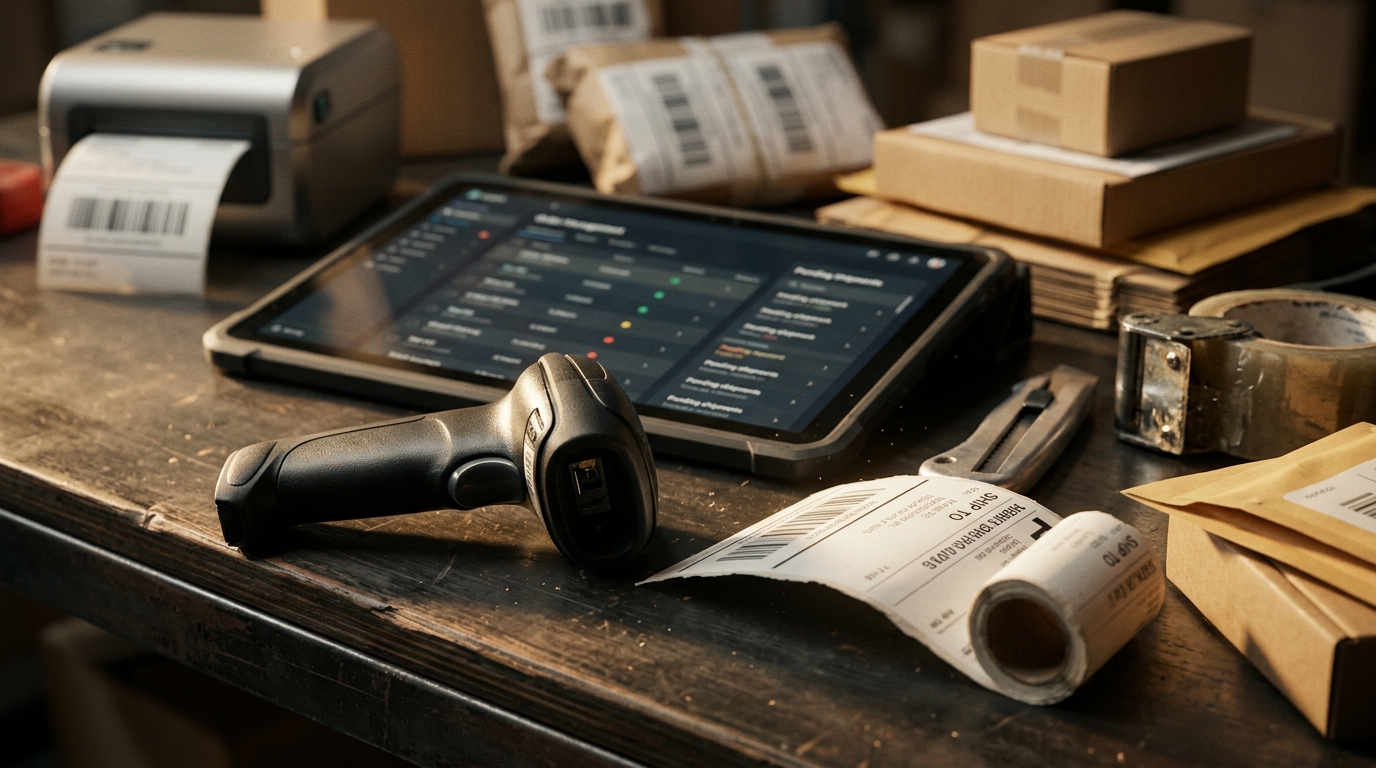







AI tools for ecommerce can help sellers move faster, but only when they solve real store problems. A tool that writes product copy may sound useful, but it will not help much if your bigger issue is overselling, late shipments, weak profit tracking, or slow replies.
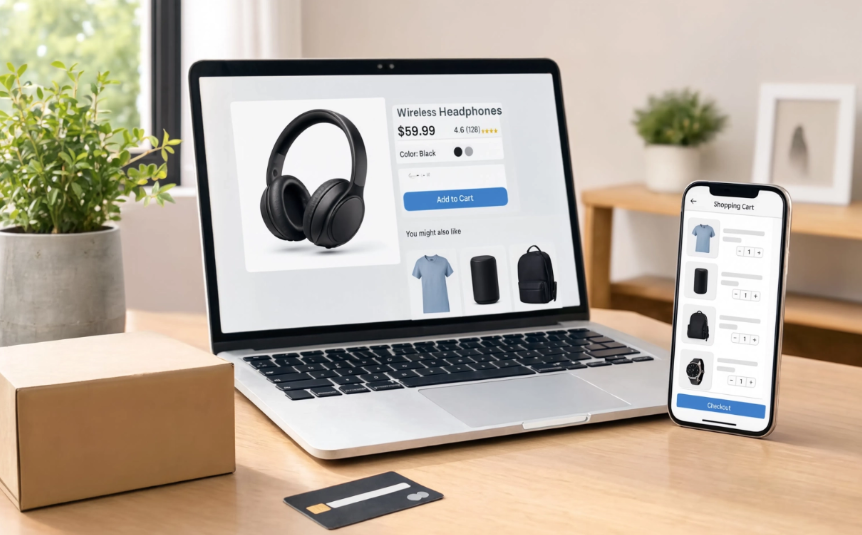
For Amazon, Walmart, Shopify, eBay, Etsy, and multichannel sellers, the best tools are the ones that fit daily operations. They should reduce manual work, support better decisions, and help the team act before small problems hurt account health.
Start With the Problem, Not the Software
Before comparing AI tools for ecommerce, list the problems hurting your store now. Do not start with features. Start with the work your team repeats every day.
Common seller problems include stockouts, listing errors, slow support replies, high return rates, unclear product margins, poor ad performance, and order handling. A tool is only worth adding if it improves one of those areas.
For example, if your team spends hours updating stock across five channels, a content writing tool will not fix the real problem. You may need better inventory sync first. If your team answers the same buyer questions all day, support automation may be better.
Categorizing AI Tools for Ecommerce Sellers
AI tools for ecommerce usually fall into a few practical categories. Sellers do not need every type at once. They should choose based on the work that slows the team down or creates the most mistakes.
Common tool types include:
- Listing tools for drafting product titles, bullets, descriptions, FAQs, and keyword ideas.
- Support tools for sorting messages, suggesting replies, and summarizing buyer issues.
- Inventory forecasting tools for estimating restock needs based on sales patterns and demand changes.
- Analytics tools for finding profit trends, slow-moving SKUs, return patterns, and channel performance.
- Order workflow tools for helping teams manage repeated tasks, order delays, and fulfillment exceptions.
- Marketing tools for product ads, email drafts, customer segments, and campaign ideas.
This kind of breakdown helps sellers narrow their choices. A seller with weak product pages may start with listing tools. A seller with too many buyer messages may need support tools first. A seller with frequent stockouts may get more value from inventory forecasting and cleaner stock data.
Match the Tool to the Ecommerce Workflow
Different AI tools for ecommerce support different parts of the selling process. Some help with product research. Some write listing drafts. Others help forecast inventory, route support tickets, or analyze profit patterns.
Use this table before choosing a tool:
| Seller Problem | Useful Tool Type | What to Check Before Using It |
| Weak product pages | Listing content tool | Does it follow marketplace title and attribute rules? |
| Slow customer replies | Support assistant | Can it see order status and return details? |
| Stockouts or overstocking | Inventory forecasting tool | Does it use real sales and channel data? |
| Unclear profit | Margin analytics tool | Does it include fees, shipping, ads, and returns? |
| Manual reporting | Sales analytics tool | Can it compare channels and SKU performance? |
| Repeated order tasks | Order management tool | Can it reduce errors without hiding exceptions? |
The right tool should connect to the workflow. A seller should not need to copy and paste data between dashboards just to get one answer.
Use AI for Listings, But Keep Seller Control
Listing tools can help draft titles, bullets, descriptions, and FAQs. This is useful when managing many SKUs or updating products across marketplaces.
Still, sellers should review every output. Marketplace listings need accurate specs, correct claims, clear images, and buyer-friendly wording. A tool may suggest a title, but the seller must confirm that the title fits the product and marketplace rules.
A better process is to use the tool for a first draft, then have a team member check accuracy, keywords, attributes, and buyer questions. Sellers using product listing managementcan manage listing work instead of editing each channel separately.
Use AI for Support Without Losing Buyer Context
Support is another area where AI tools for ecommerce can save time. They can help sort messages, suggest replies, summarize buyer issues, and flag urgent tickets.
But ecommerce support depends on order context. A buyer asking about a delayed package, refund, missing item, or return request needs a reply based on real order details. Generic answers can frustrate buyers.
For this reason, support tools should connect with order records, shipping status, and return history. Crazy Vendor’s customer service managementis relevant here because sellers need one place to manage marketplace messages with buyer and order context.
Use Forecasting Carefully
Inventory forecasting can help sellers plan restocks and avoid tying up cash in slow-moving products. It can also help spot demand changes before stock runs out.
However, forecasting is not a guarantee. Seasonal products, supplier delays, ad changes, marketplace ranking shifts, and competitor price drops can all change demand. Sellers should treat forecasts as planning signals, not final answers.
A structured seasonal sales forecast provides a baseline for evaluating a tool’s predictions against product history, calendar effects, and known operational changes.
The safest approach is to compare forecast suggestions with sales history, lead times, storage limits, and cash flow. Sellers managing several channels should also keep stock counts updated through a multi-channel inventory management system so decisions are based on cleaner inventory data.
Track Profit Before Scaling Any Tool
One mistake sellers make is adding tools without checking whether they improve profit. A tool may save time, but it should also support better decisions, fewer errors, or healthier margins.
Watch product margin, return rate, shipping cost, ad cost, cancellation rate, and support workload before and after adding any tool. If a tool helps sell more but increases returns or fees, it may not be helping.
Sellers can use multi-channel profit analytics to compare which products, channels, and workflows are protecting margin.
Conclusion: AI Tools for Ecommerce Should Support Real Operations
The best AI tools for ecommerce are not the flashiest ones. They are the ones that help sellers fix daily problems: better listings, faster support, cleaner inventory, smarter restocks, fewer order mistakes, and clearer profit tracking.
Choose tools that fit your workflow, connect to real store data, and still leave room for human review.AI-assisted tools work best when they are connected to real store activity. With Crazy Vendor, ecommerce sellers can keep listings, inventory updates, order records, support context, and product-level profit in one place, so tool recommendations are easier to review before the team acts on them.