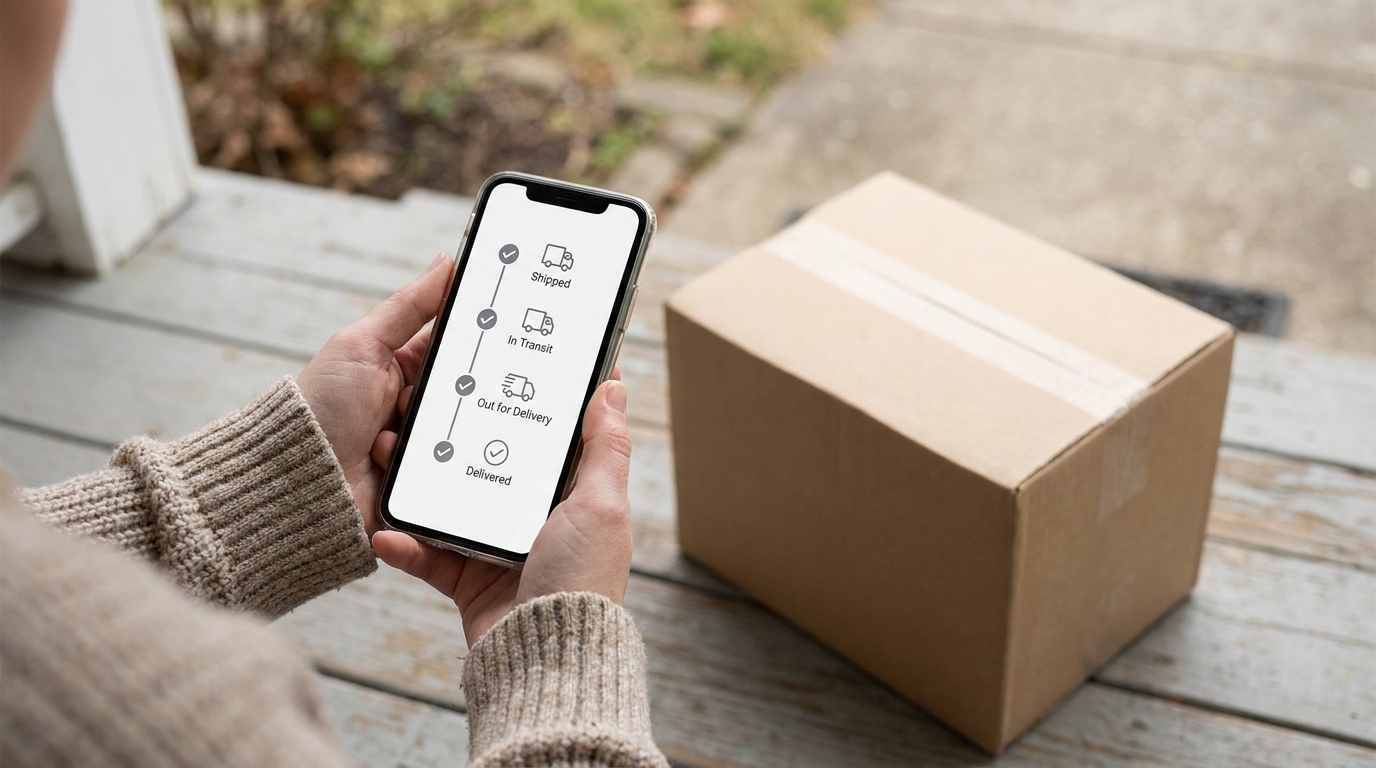








Amazon MCF tracking is how you and your customers follow a Multi-Channel Fulfillment order from Amazon’s warehouse to the door. Every MCF order gets a tracking number once it ships. Sellers see it in Seller Central under Manage Orders, anyone can look it up on Amazon’s MCF tracking site, swiship.com, and if you give Amazon the customer’s email when you create the order, Amazon emails them a shipping confirmation with the tracking link.
What Amazon does not do on its own is send that tracking number back to the channel the order came from, such as Walmart, eBay or your own store. This guide explains where MCF tracking lives and how to get it to the right place. It is based on Amazon’s guide How to track your MCF orders (updated May 4, 2026), checked on November 6, 2026.
Where to find MCF tracking numbers
| Who | Where | What you get |
|---|---|---|
| Seller | Seller Central, Orders, Manage Orders, then search by order ID | The Order Details page shows the carrier and, once shipped, the tracking number linked to Swiship |
| Seller or customer | swiship.com | Tracking for all MCF orders, all carriers and every package in an order |
| Customer | Shipping confirmation email | Sent by Amazon with a Swiship link, if you include the customer’s email when you create the order |
| Shopify customer | Order confirmation page in Shopify | A track.amazon.com link for orders delivered by Amazon Logistics |
| Developer | Selling Partner API, GetPackageTrackingDetails | The latest tracking events for each shipment in an MCF order, with a Swiship link |
Which carriers ship MCF orders
Amazon ships MCF orders with several carriers, including Amazon Logistics, which delivers seven days a week. Amazon added Amazon Logistics tracking to AfterShip so that channels such as Etsy can show it, and it remains trackable on Swiship.
You can block Amazon Logistics for US MCF orders, either for your whole account in your FBA settings or per order. The order-level setting wins. Amazon warns that blocking it can raise the risk of late or unfulfilled orders, and its MCF fee page lists a 5% surcharge for blocking, waived until January 14, 2027.
Why tracking matters on Walmart and other marketplaces
A marketplace only knows an order shipped when it receives a valid tracking number. Walmart orders fulfilled through Amazon MCF are measured like any other Walmart order, and according to Amazon’s guide to fulfilling Walmart orders with MCF, they must ship in unbranded boxes with Amazon Logistics blocked so another carrier delivers them. Amazon also notes that integrations can update Walmart with tracking numbers automatically. Late or missing tracking hurts your seller metrics on whichever channel the order came from.
How to get MCF tracking back to each channel
- Manually: look up the tracking number in Manage Orders and paste it into Walmart Seller Center, eBay or your store. This works for a few orders a day, but it is slow and easy to miss.
- With a channel app: some apps, such as Amazon’s own Shopify app, connect one channel to MCF.
- With multichannel software: one system sends orders from every channel to MCF and writes tracking back to each one automatically.
Common MCF tracking problems
- “No tracking yet”: a tracking number appears only once the order ships. Check the order status in Manage Orders first.
- Several packages in one order: Swiship shows every package, and the API returns tracking for each shipment, not just the first.
- Customer can’t find the link: the email is sent only if you give Amazon the customer’s email when the order is created. Otherwise, send them the Swiship link yourself.
How Crazy Vendor handles MCF tracking
Crazy Vendor’s multichannel fulfillment software routes Amazon, Walmart, eBay and Shopify orders to Amazon MCF, Walmart MCS, a 3PL or your own warehouse, and pushes tracking and delivery status back to the channel the order came from once the label is created. For Walmart orders sent to MCF, its Walmart-via-MCF preset applies neutral packaging and blocks Amazon Logistics automatically, and SLA alerts warn you before a ship-by date is missed. Plans start at $29/month with a 21-day free trial. See pricing.
Related: Amazon MCF fees and Amazon MCF for Shopify.
Frequently asked questions
How do I track an Amazon MCF package?
Enter the tracking number on swiship.com, Amazon’s tracking site for MCF orders. Sellers can also find it in Seller Central under Manage Orders.
Where do I find the tracking number for an MCF order in Seller Central?
Go to Orders, then Manage Orders, and search by order ID. Once the order ships, the Order Details page shows the carrier and the tracking number.
Does Amazon send tracking to my customer?
Yes, if you include the customer’s email when you create the MCF order. Amazon then emails a shipping confirmation with a Swiship tracking link.
Does MCF tracking sync to Walmart automatically?
Not by itself. You need to upload it to Walmart Seller Center or use software that writes tracking back to Walmart for you.
Last checked against Amazon’s MCF tracking guide and fee page on November 6, 2026.