








Amazon MCF for Shopify means using the inventory you already keep in Amazon FBA warehouses to ship orders placed on your Shopify store. Amazon’s free Shopify app, “Amazon MCF and Buy with Prime”, connects the two: you match your Shopify products to Amazon SKUs, choose how orders are sent to Amazon, and Amazon picks, packs and ships them, in unbranded packaging if you want. You pay Amazon’s per-unit MCF fees, not a fee for the app itself.
This guide explains how the connection works, what it costs, its limits, and when you need more than the app. Facts come from Amazon’s MCF setup guide for Shopify (updated September 24, 2026), the app listing on the Shopify App Store and Amazon’s MCF fee page, all checked on November 6, 2026.
What you need before you start
- A Shopify store and an Amazon seller account with inventory in Amazon fulfillment centers. The app only shows and fulfills stock that is already in a fulfillment center; inbound stock is not included.
- Your Shopify products matched to Amazon SKUs. For bundles, every component must be matched and set to MCF as its fulfillment service. A bundle can include up to 30 products.
How to set up Amazon MCF on Shopify
- Install the app. “Amazon MCF and Buy with Prime” is built by Amazon and is free to install.
- Review matched SKUs and turn on the Amazon service. Check that each Shopify product points to the right Amazon SKU.
- Configure shipping options. Note that the app does not calculate shipping rates, so set your Shopify shipping rates yourself.
- Set Shopify’s order routing. MCF follows your Shopify order routing settings. If you offer Prime delivery, Amazon tells you to use the Ranked locations rule with Amazon Fulfillment at the top.
- Decide how orders reach Amazon. Orders can be sent manually or automatically, through a Shopify order processing setting, Shopify Flow or a third-party app. Amazon calls automation “specifically important” for Prime orders, to avoid delays.
- Optional, US only: turn on Prime delivery and MCF fast delivery badges. Prime delivery through the app does not require a separate Buy with Prime account.
What it costs
The app is free to install; Amazon charges its normal MCF fulfillment fee for each unit it ships. During the 2026 holiday peak, a single small item of 4 oz or less costs $7.53 at standard 3-day speed and $10.89 at expedited 2-day speed, plus a 3.5% fuel and logistics surcharge. Multi-unit orders cost less per unit. Storage and other non-fulfillment fees are the same as FBA. The full tables are in our Amazon MCF fees guide.
You’ll find the fees in Seller Central under Reports, Payments, All statements.
Packaging and carriers
- Unbranded packaging is supported, so Shopify customers don’t receive an Amazon box. Amazon says blank packaging comes at no additional cost.
- Amazon Logistics delivers many MCF orders. You can block it for US orders, but blocking adds a 5% surcharge (waived until January 14, 2027) and Amazon warns it raises the risk of late or unfulfilled orders.
- Partial fulfillment is supported, based on each product’s assigned location.
Tracking for Shopify customers
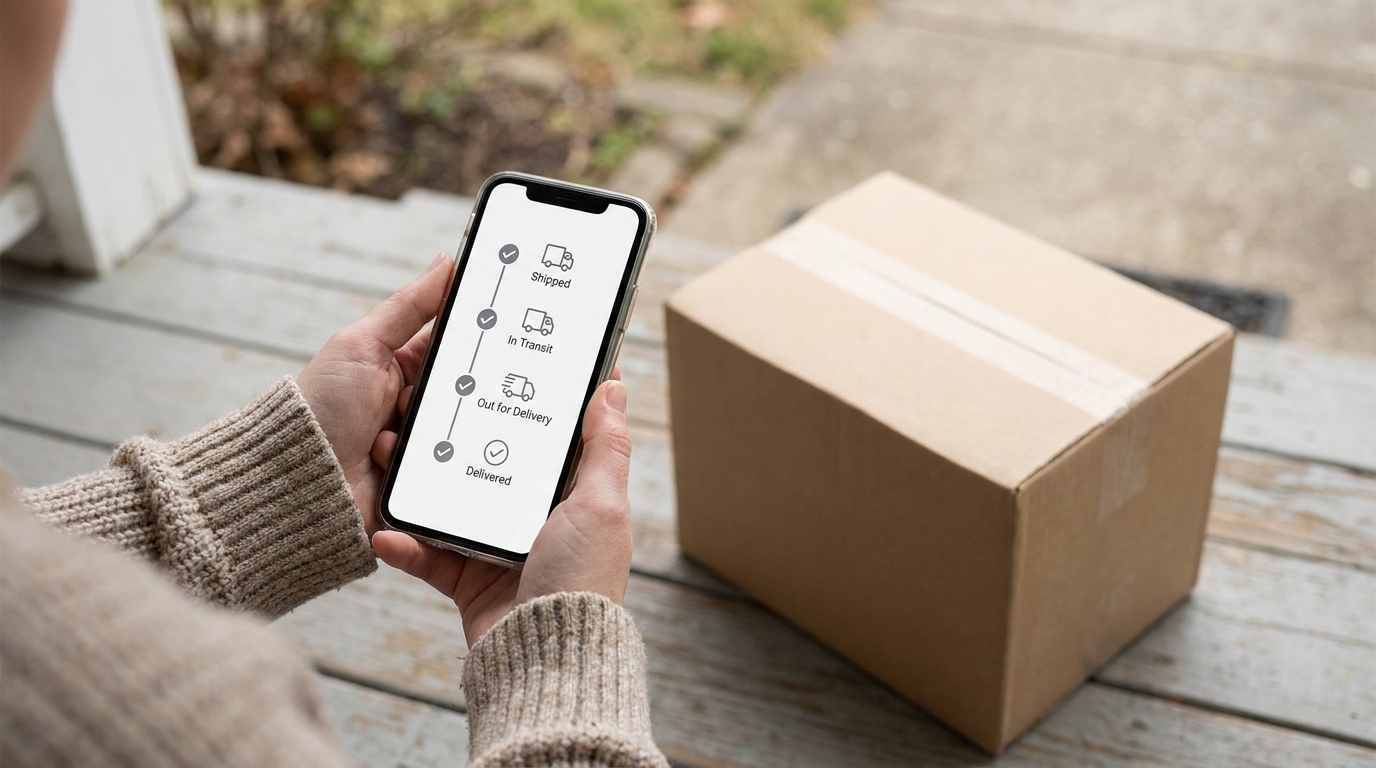
According to Amazon’s MCF tracking guide, Shopify customers get a track.amazon.com link on their order confirmation page for orders delivered by Amazon Logistics, and every MCF package can also be tracked on swiship.com. Read more in how Amazon MCF tracking works.
Things to watch
- Stock accuracy. The app only uses stock that is already in Amazon fulfillment centers. If you also sell from a warehouse or 3PL, you need a way to keep every channel’s stock count right.
- Shipping rates. The app does not calculate them, so your Shopify rates may not match what MCF actually costs you per order.
- Other channels. The app connects Shopify only. Walmart, eBay and Etsy orders need their own connection.
When you need more than the Shopify app
If Shopify is your only channel besides Amazon, Amazon’s app may be all you need. It gets harder when you sell on several channels or ship from more than one place, for example MCF for some SKUs, Walmart Multichannel Solutions for others, and your own warehouse for oversized items.
Crazy Vendor’s multichannel fulfillment software routes Shopify, Walmart, eBay and Amazon orders to Amazon MCF, Walmart MCS, a 3PL or your own warehouse by SKU, channel, region or cost, keeps stock in sync across channels, and pushes tracking back to the channel the order came from. Plans start at $29/month with a 21-day free trial. See pricing or all integrations.
Frequently asked questions
Can I use Amazon FBA inventory for Shopify orders?
Yes. Amazon Multi-Channel Fulfillment ships orders from other channels, including Shopify, using the inventory you already store in Amazon fulfillment centers.
Is the Amazon MCF app for Shopify free?
It is free to install. You pay Amazon’s MCF fulfillment fees for each unit shipped, plus normal FBA storage fees.
Will my Shopify customers see Amazon branding?
Not on the box if you use unbranded packaging. The package may still be delivered by Amazon Logistics unless you block it, which adds a 5% surcharge (waived until January 14, 2027).
Does the app send orders to Amazon automatically?
It can. You can send orders manually or automate it with a Shopify order processing setting, Shopify Flow or a third-party app.
Last checked against Amazon’s and Shopify’s pages on November 6, 2026. App features and fees change, so confirm the current details before you set up.