


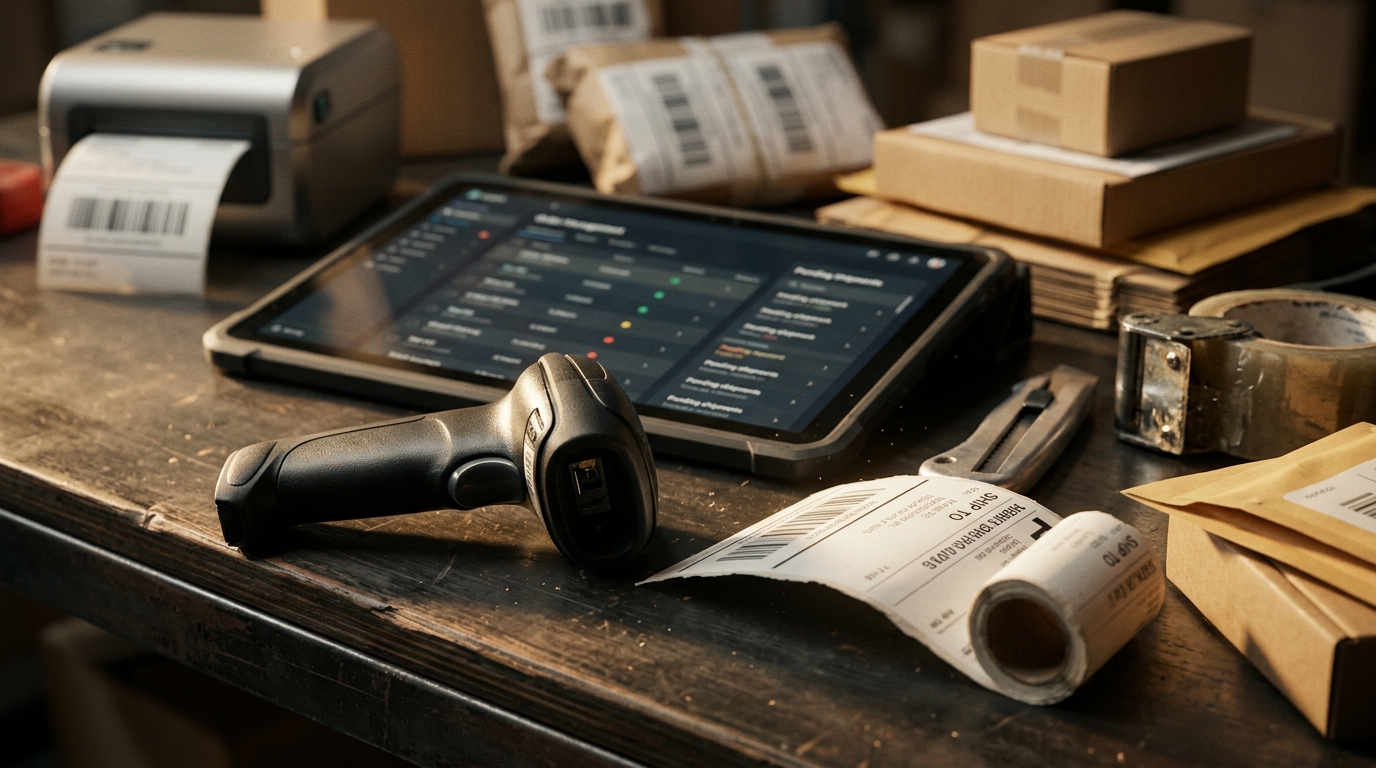







Choosing integration software is not only a technical decision. It determines whether product data, available stock, orders, shipping updates, and cost information stay reliable as a seller adds marketplaces, storefronts, warehouses, or fulfillment partners.
So, what is the best ecommerce integration software? It is the option that connects the systems a business actually uses, keeps high-risk data accurate, and gives the team a clear way to manage exceptions when records do not match.

What Is the Best Ecommerce Integration Software for Your Business?
There is no single best ecommerce integration software for every seller. A small brand with one storefront and a marketplace may need dependable catalog and stock updates, while a high-volume seller may need order routing, multi-location inventory, shipping visibility, and channel-level margin reporting.
The right choice depends on the sales channels, order volume, fulfillment model, product complexity, and operational problems the business needs to solve. It should reduce manual work without hiding the information the team needs to investigate an exception.
An application programming interface is one way software systems exchange information. For sellers, the important question is not whether a vendor mentions APIs. It is whether the connection moves the correct records, at the correct time, with clear rules for failures.
Score 7 Capabilities Before You Book a Demo
The best ecommerce integration software should be assessed against daily operating work, not just a long list of platform logos. A connection is valuable only when it improves accuracy, speed, or control in a workflow that affects the customer promise.
Use the scorecard below to compare tools based on the functions that matter once orders and inventory begin moving across channels.
| Capability to compare | What good software should support | Proof to request |
|---|---|---|
| 1. Relevant channel connections | The marketplaces, storefronts, warehouses, and shipping tools the business actually uses | A live connection list for the required channels |
| 2. Product-data control | One approved catalog record with channel-specific fields where needed | A demonstration of a product and variation update |
| 3. Available-stock synchronization | Updates after sales, returns, receipts, transfers, and adjustments | A test sale that changes stock across connected channels |
| 4. Order collection and routing | Central visibility of incoming orders, holds, deadlines, and exceptions | An example of an order being routed by channel or stock location |
| 5. Shipping and tracking updates | Carrier details and dispatch status returned to the selling channel | A completed dispatch and tracking-status test |
| 6. Exception visibility | Clear alerts for failed updates, mismatched SKUs, and oversell risk | The error queue and the steps needed to resolve one issue |
| 7. Financial context | Sales results that account for fees, refunds, shipping, and fulfillment costs | A channel or SKU profit view, not revenue alone |
Check Connection Depth, Not Logo Count
A software page can show many marketplace logos without proving that every connection supports the same data. One channel may sync listings, inventory, and orders, while another may only import orders. When sellers ask, “what is the best ecommerce integration software?”, they should compare the depth of each connection, not just the number of platform logos.
Ask which records move in each direction, how often they update, and which channel-specific fields remain manual. Official platform connections are useful only when the supported data flow matches the work your team needs to complete.
Check How the Software Handles Core Operating Data
The best ecommerce integration software should help sellers maintain one dependable version of essential information. That starts with product attributes and expands to sellable stock, incoming orders, and the records needed to fulfill them correctly.
A shared catalog publishing layer can reduce duplicate listing work, while a synchronized sellable-stock view helps prevent the same unit from being promised through two channels. For orders, a single exception-ready order queue can make holds, routing rules, cancellations, and shipping deadlines easier to manage.
Check Whether the Team Can Control Exceptions
No integration is useful if it only works for perfect orders. Variants can be mismatched, bundles can affect component stock, buyers can cancel, and tracking updates can fail.
During a demo, ask to see a failed sync, a partial cancellation, a returned item, and a low-stock product. The vendor should be able to show how the team finds the issue, which system owns the correction, and how the updated record reaches the rest of the workflow.
Build Your Shortlist Around the Actual Operating Problem
The best ecommerce integration software for a seller with oversells is not necessarily the best option for a seller struggling with listing quality or order-routing delays. Define the primary operating problem before comparing vendors.
| Current problem | Capability to prioritize | Practical outcome |
|---|---|---|
| Listings differ across channels | Product catalog and attribute mapping | Fewer incorrect titles, variants, images, or attributes |
| Stockouts and oversells | Sellable-stock synchronization and channel buffers | More reliable availability across channels |
| Orders require repeated exports | Central order intake and routing | Faster processing with fewer missed deadlines |
| Tracking is inconsistent | Shipping-status updates | Buyers and marketplaces receive current dispatch information |
| Revenue grows but margin does not | Cross-channel profit visibility | Better decisions about prices, promotions, and channel mix |
This approach prevents a seller from choosing based on brand recognition alone. The best ecommerce integration software is the one that resolves the highest-cost operational issue first, then supports the next stage of growth without creating new manual work.
Run a Transaction Test, Not a Feature Tour
A polished demo can make any platform look simple. A real transaction test reveals whether the connection supports your products, operational rules, and exceptions. A vendor should be able to answer “what is the best ecommerce integration software?” with a working demonstration of the exact transactions, exceptions, and channel rules your team handles every day.
Before committing, provide a small SKU group that includes a variation, a bundle or kit, a low-stock item, and an item with a return or shipping restriction. Then ask the vendor to show the full path from product update to sale, inventory reduction, order routing, dispatch, tracking, return, and profit reporting.
The Questions That Reveal Gaps
Ask where the master SKU record lives, what happens when a marketplace variation does not match, and how the system treats inventory that is reserved, damaged, in transit, or awaiting inspection. Confirm whether updates are one-way or two-way, and who receives an alert when a connection fails.
Also ask what still requires a spreadsheet or manual export. The best ecommerce integration software does not eliminate every operational decision, but it should make manual work intentional rather than routine.
Avoid Software That Creates Hidden Work
Be careful with systems that promise broad automation but make it hard to see what did not sync. An integration can appear successful while a SKU, order, or tracking update is quietly waiting for attention.
Avoid committing before the vendor can explain data ownership, update timing, channel limitations, error handling, and support for your most important exception scenarios. A cheaper tool can become expensive when staff must spend hours reconciling stock or investigating orders outside the system.
Conclusion: Choose Software That Supports the Sale After Checkout
What is the best ecommerce integration software? It is the solution that keeps the data behind each sale dependable, from product details and available stock to order routing, delivery updates, and true margin.
Crazy Vendor helps sellers connect marketplaces, storefronts, listings, inventory, orders, shipping, fulfillment, customer support, and profit reporting from one controlled ecommerce operation.