

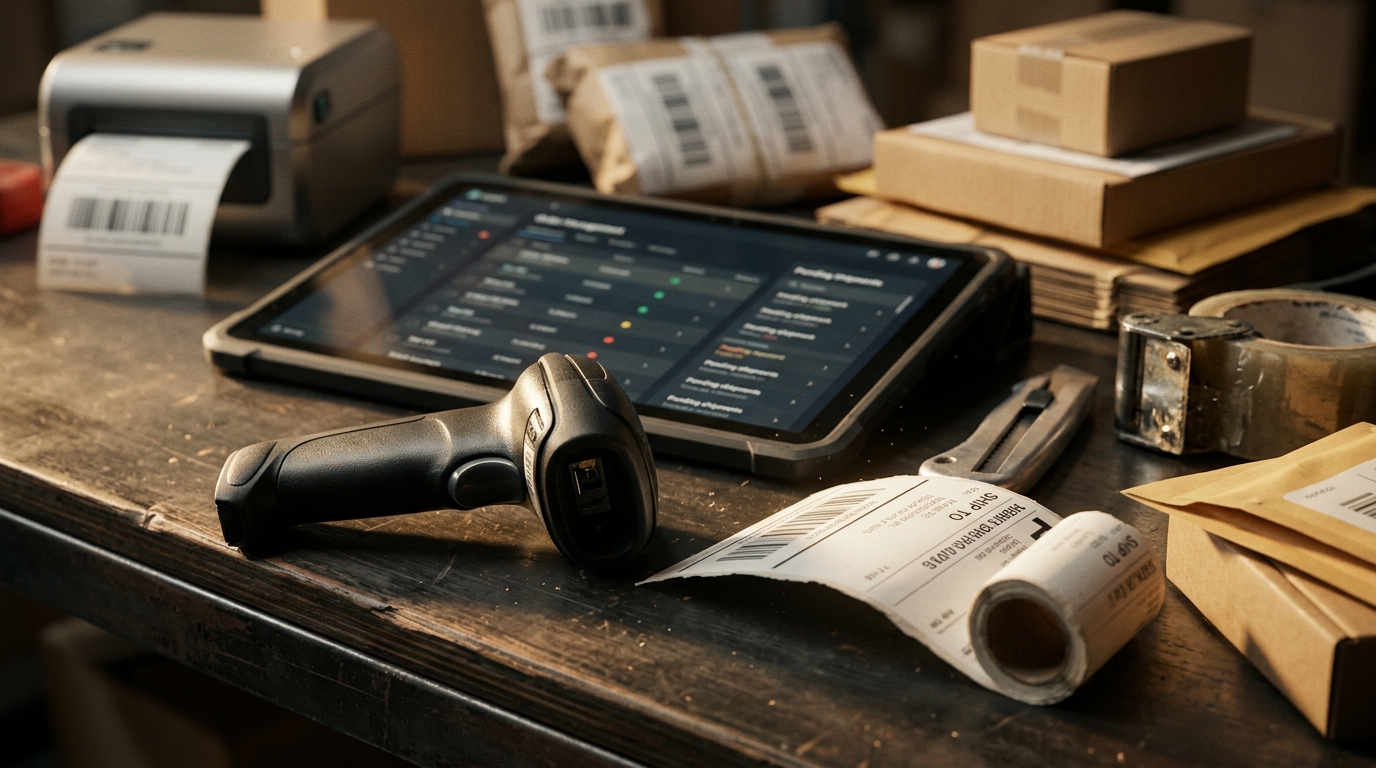







Managing orders across multiple ecommerce platforms requires accurate transaction records, coordinated fulfillment, and timely updates between sales channels. For businesses selling through Amazon, Walmart, Shopify, and eBay, maintaining these processes across separate dashboards can increase administrative work and delay order processing.
A multichannel order manager helps sellers consolidate incoming orders, monitor fulfillment progress, and manage transactions that require attention, including inventory shortages, shipping errors, cancellations, and returns.
Understanding what is a multichannel order manager allows ecommerce businesses to evaluate how centralized order processing can reduce manual work, improve order visibility, and support consistent fulfillment operations.

What Is a Multichannel Order Manager?
A multichannel order manager is a system used to organize and process orders received through multiple selling platforms.
Rather than opening separate Amazon, Walmart, eBay, and Shopify dashboards throughout the day, employees can review connected orders in one place.
The software typically records essential information such as the sales channel, order reference, purchased products, fulfillment status, shipping requirements, and tracking details.
Some platforms also support order routing, inventory synchronization, return handling, and carrier selection.
The term can describe an employee responsible for coordinating orders, but in ecommerce software discussions, it usually refers to an order management tool or system.
Software can organize transactions and apply predefined rules, while employees remain responsible for resolving unusual situations and making decisions that require judgment.
Order Exceptions Matter More Than the Daily Order Count
A seller with 200 orders does not necessarily have 200 problems.
Most transactions may follow an established fulfillment process without additional intervention. The operations team should focus on orders that cannot proceed normally.
Group address errors, stock shortages, cancellation requests, and approaching dispatch deadlines separately from orders that are ready to ship.
Consider these examples:
| Order situation | What the team needs to check | Next action |
| Invalid delivery address | Whether the address can be corrected under channel rules | Hold or resolve before dispatch |
| SKU unavailable at assigned warehouse | Stock at an eligible alternative location | Reroute if permitted or resolve shortage |
| Customer requests cancellation | Whether picking, labeling, or dispatch has started | Stop fulfillment if still possible |
| Express order approaching cutoff | Carrier availability and processing time | Prioritize eligible shipment |
| Return received | Product condition and marketplace return requirements | Approve restocking or keep unavailable |
Without a shared order view, employees may discover these problems only after checking individual marketplace accounts.
A centralized multichannel order management system allows sellers to view incoming orders from connected platforms, monitor their status, and organize processing through one dashboard.
For each flagged order, assign an employee who can correct the problem, arrange the next action, or request approval before the relevant deadline.
Three Decisions an Order Manager Helps Coordinate
An order may pass through several employees and systems before reaching the customer.
Understanding what is a multichannel order manager becomes easier when looking at the decisions required between checkout and dispatch.
The business must establish whether an order can proceed, where it should be fulfilled, and whether the shipment information has been recorded correctly.
Confirm the Order Is Ready for Fulfillment
The first decision concerns order eligibility.
An order may be received but not ready for immediate dispatch because payment confirmation is pending, stock is unavailable, or a customer has requested a change.
The manager should help employees distinguish orders that are ready for processing from those requiring attention.
Teams should verify that the correct SKU, quantity, shipping destination, and order status are available before releasing work to the warehouse.
Where marketplace or payment information is unavailable through an integration, employees may need to confirm it in the original platform.
Select an Eligible Fulfillment Source
A seller may store products in its own warehouse, a third-party logistics facility, or a marketplace fulfillment program.
The fulfillment decision depends on which location holds eligible stock and can meet the order’s delivery requirements.
For example, a Shopify order may be suitable for a nearby 3PL, while another product can ship through an approved marketplace fulfillment service.
Rule-based multichannel fulfillment helps Crazy Vendor users route eligible orders according to configured conditions, including SKU, sales channel, destination region, and service requirements.
Sellers must still check fulfillment-program restrictions and confirm that routing rules match their actual stock arrangements.
Confirm Dispatch and Tracking Information
Once an order has been picked, packed, and transferred to a carrier, its shipping information must be recorded correctly.
Order processing includes activities such as picking, packing, and preparing goods for delivery.
The order manager coordinates the associated transaction records, while warehouse and shipping systems may handle the physical work.
Tracking information should correspond to the correct order and shipment. A printed label does not by itself prove that the carrier has collected the parcel.
Multichannel shipping management helps sellers prepare shipping documents, manage carrier information, and send tracking updates to connected storefronts.
That reduces the need to copy tracking numbers manually between systems.
An Order Manager Is Not a Replacement for Every System
An order manager coordinates transactions, but it does not necessarily perform every function involved in selling and fulfillment.
A warehouse management system may control storage locations, receiving, picking, and physical stock adjustments.
Shipping software may manage carrier services, labels, postage, and tracking information.
Marketplace seller accounts remain important for channel-specific policies, disputes, financial records, and administrative actions.
Before implementation, verify which updates pass between the order manager, warehouse system, shipping software, and each marketplace.
For example, an employee may see that an order has been assigned to a warehouse. That does not confirm that the product has been physically picked or that the shipment has left the facility.
Businesses should document which system controls each status and which employee is responsible for resolving discrepancies.
Otherwise, an order could appear complete in one application while remaining unfinished elsewhere.
Cancellations Reveal Whether the Workflow Is Reliable
Consider an eBay customer who requests cancellation shortly after purchasing.
The order has already been sent to the warehouse, but the product has not been picked.
An employee reviewing the request needs to determine whether fulfillment can still be stopped.
If the cancellation is permitted and approved, the warehouse should receive the updated instruction before dispatch. Any inventory reservation should then be adjusted according to the actual order status.
Now consider the same request after the carrier has collected the parcel.
The seller may need to follow the applicable return or delivery-interception procedure instead. Releasing stock immediately would be incorrect because the shipped product has not returned to inventory.
The order record should show whether the cancellation arrived before picking, after label creation, or after carrier collection.
However, the software cannot guarantee that a cancellation will succeed once fulfillment has progressed. Employees must follow marketplace policies and the actual shipment status.
The same distinction applies to refunds and returns. Issuing a refund does not establish that the physical product has been received or approved for resale.
Measure the Work That Remains Unfinished
Order totals show how much business a seller processes, but they do not reveal whether operations are falling behind.
Review outstanding transactions and identify why particular orders remain unresolved.
Orders awaiting action indicate how many transactions require employee intervention. Group them by missing stock, address problems, cancellation requests, and other causes.
Order-to-dispatch time shows how long orders remain in the operation before being handed to a carrier. Review results by marketplace and fulfillment source.
Late-dispatch rate identifies orders that miss applicable shipping deadlines. This matters particularly for marketplace sellers whose performance standards depend on timely fulfillment.
Order correction rate tracks transactions requiring changes because of inaccurate SKUs, quantities, addresses, or fulfillment assignments.
Return processing time helps reveal delays between receiving a return and completing the necessary inspection, refund, or restocking action.
Increasing delays, correction rates, and unresolved order counts may indicate staffing problems, incorrect routing rules, unreliable integrations, or incomplete order information.
Compare results over consistent periods and investigate the cause before changing the workflow.
Set Up Order Management Around Employee Responsibilities
Write down who can hold an order, change a fulfillment source, approve a cancellation, and release a returned product to sellable inventory.
A small business may assign several responsibilities to one employee. A larger operation may divide them between customer support, warehouse staff, shipping coordinators, and supervisors.
Each role should have defined authority.
For example, a support agent may be allowed to request that an order be held, while only a supervisor can approve a particular refund or replacement.
Document these decisions before creating automation rules.
Next, review a sample of recent orders to identify common exceptions. Use those cases to determine which actions can follow fixed rules and which must receive manual approval.
Begin with straightforward transactions and confirm that order statuses, warehouse instructions, and marketplace updates remain accurate.
Expand automation after employees can trace what happened to an order and correct a failed process without creating duplicate shipments or inventory adjustments.
When Does a Seller Need a Multichannel Order Manager?
A business selling through one storefront with limited order volume may be able to manage transactions using its existing ecommerce tools.
Consider a dedicated order manager when employees regularly switch between marketplaces to locate orders, enter tracking information, or investigate inconsistent fulfillment statuses.
Other warning signs include missed orders, delayed cancellations, duplicate shipping tasks, and uncertainty over which warehouse should fulfill a transaction.
A multichannel order manager is particularly useful when these problems arise from disconnected order information rather than a lack of warehouse capacity.
Before purchasing software, verify the required marketplace connections, supported order statuses, fulfillment integrations, return processes, user permissions, and pricing limits.
Ask the provider to demonstrate how an ordinary order and an exception would be handled from receipt through resolution.
Conclusion
What is a multichannel order manager? It is software that helps ecommerce sellers organize orders from multiple channels, coordinate fulfillment decisions, monitor transaction status, and identify orders requiring attention.
Its value depends on whether employees can identify exceptions quickly, assign responsibility, and maintain accurate information through shipping, cancellation, and return processes.
Crazy Vendor provides centralized order management, rule-based routing, shipping coordination, and return-tracking capabilities for sellers operating across connected ecommerce marketplaces and storefronts.