


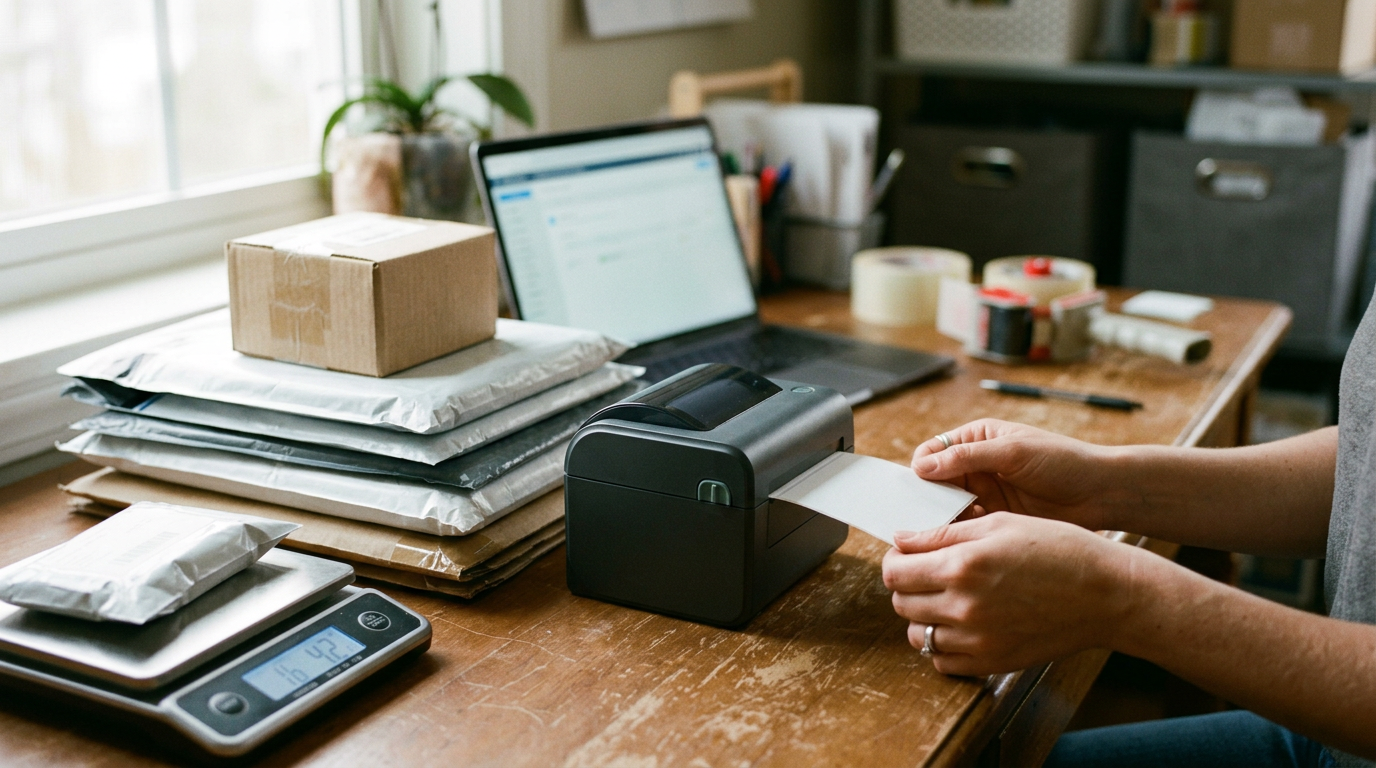



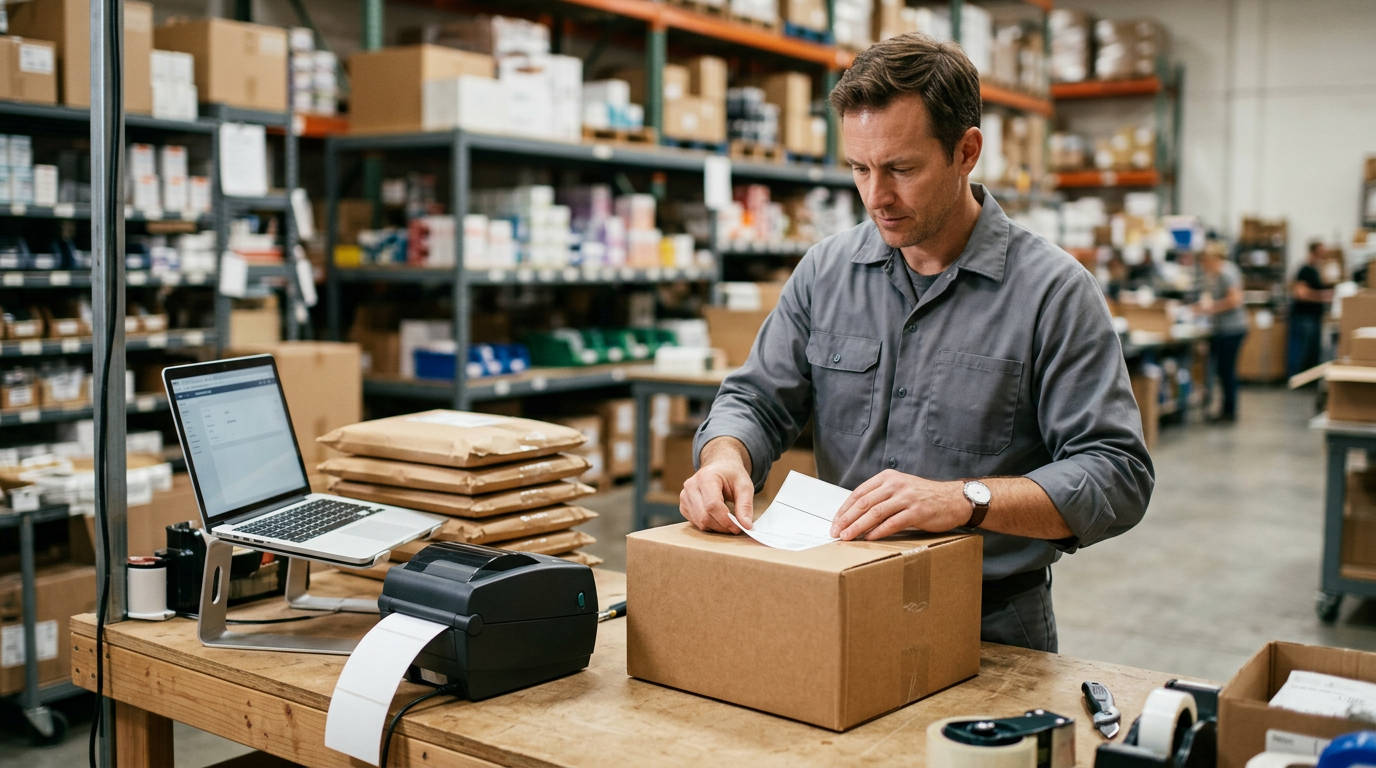



eBay shipping labels (eBay Labels) are prepaid USPS, UPS and FedEx labels you buy inside eBay for an order you have sold. You pay eBay’s discounted rates, the cost comes out of your eBay funds or the payment method on file, and the tracking number is added to the order automatically, so you never type it in. You can print a label on paper or a thermal printer, or skip the printer and show a QR code at the drop-off counter.
This guide covers how to print a shipping label on eBay step by step, QR code labels, printing labels in bulk, voiding a label you did not use, what labels cost (including eBay standard envelope), and the newer eBay-provided labels some fashion sellers now get. Rules come from eBay’s US help pages and Seller Center, checked on November 23, 2026.
eBay shipping labels at a glance
| Question | Answer |
|---|---|
| Carriers | USPS, UPS and FedEx |
| Where to buy | From the order in Seller Hub or My eBay (Sold), or in the eBay app |
| How you pay | eBay funds first; anything not covered goes to your payment method on file |
| Tracking | Uploaded to the order automatically |
| Label types | Printable label, or a QR code you show at a USPS, UPS or FedEx drop-off |
| Print sizes | Standard letter paper, 4 x 6 inch thermal labels, or 2 x 7 inch labels (USPS only) |
| Bulk labels | Up to 100 labels at a time |
| Void window | 28 days from the print date for USPS, UPS and FedEx labels |
| Refund timing | Credited to your eBay account within 21 days of an approved void |
Sources: eBay Help, Buying and printing shipping labels, and eBay Seller Center, Shipping FAQs. eBay charges the label when you print it.
How to print a shipping label on eBay
You buy and print the label from the order itself, which is what links the tracking number to that buyer. The flow is the same in Seller Hub and in My eBay:
- Open Seller Hub > Orders (or My eBay > Sold) and find the order that is awaiting shipment.
- Select Print shipping label.
- Enter the package weight and dimensions. eBay asks you to round up to the nearest whole number, and the label price already includes carrier surcharges based on what you enter.
- Choose the carrier and service. eBay shows the price and delivery estimate for each one.
- Pick the label type (printable or QR code) and the print size, and add options such as signature confirmation if the item needs it.
- Review the ship-from address. Its ZIP code should match where you really ship from, or the carrier can charge extra postage.
- Purchase, print and attach the label. The tracking number appears on the order and the buyer is notified.
Set your printer and default print options once under Label preferences, so every label comes out in the right size. If a label prints badly, reprint it from the order for free instead of buying a new one; eBay’s help page allows reprints within 7 days of purchase. Speed tips for thermal printers are in our post on label printing tips for busy sellers.
Which label size and printer to use
| Format | Best for | Notes |
|---|---|---|
| Letter paper | Low volume, any home printer | Cut or fold the label and tape it on fully; a smudged barcode can stop a scan |
| 4 x 6 inch thermal | Daily shippers | No ink, peel-and-stick, the size most shipping software uses |
| 2 x 7 inch | Small USPS packages | USPS labels only |
| QR code | No printer at home | The carrier prints the label at the counter |
QR code labels: ship without a printer
All three carriers accept eBay QR code labels. You still enter weight, dimensions, carrier and service, but instead of a printable label eBay emails you a QR code (you can also download it from the confirmation page). At a USPS, UPS or FedEx location that accepts QR codes, staff scan it and print the label for you. Check that your local drop-off point accepts QR codes before you go, and remember that once a QR code is scanned the label counts as used, so it can no longer be voided (eBay Shipping FAQs).
How to print eBay shipping labels in bulk
If you ship more than a handful of orders a day, buying labels one by one wastes time. In Seller Hub, select two or more orders awaiting shipment and choose Purchase shipping labels from the shipping menu. eBay lets you print up to 100 labels at a time, each with automatic tracking (source).
- Check each row before you pay. Bulk pages pre-fill weight and size from your listings; a wrong weight becomes a carrier adjustment later.
- Combine orders from the same buyer so you buy one label instead of two. eBay does not merge package dimensions for you, so enter the size of the box you will actually use. Our guide to eBay combined shipping explains the settings.
- Use a USPS SCAN form for 5 or more packages. One form covers the whole bulk purchase, so the carrier scans one barcode at pickup instead of every box. Once a SCAN form has been scanned, labels on it can no longer be refunded if you cancel them.
- Splitting an order into several boxes? You can add up to 5 tracking numbers to one order.
How to void an eBay shipping label
Bought a label you will not use, or chose the wrong service? Void it rather than leaving it unused. Go to My eBay > Shipping labels, find the label, select Void label in the Actions column and follow the steps (eBay Shipping FAQs).
| Situation | Can you void it? |
|---|---|
| USPS, UPS or FedEx label, not used | Yes, within 28 days of the print date |
| Label already scanned by the carrier | No; the label counts as used |
| QR code already scanned at a drop-off | No; it counts as used |
| Label on a SCAN form that was scanned | No refund for those labels |
| eBay standard envelope label | No; these cannot be canceled once printed |
After you void, the carrier has to confirm the label was not used, and eBay credits approved refunds to your eBay account within 21 days. If a carrier later charges you more because the declared weight or size was wrong, disputes for USPS labels go to USPS, and disputes for UPS and FedEx labels go to eBay customer service.
What eBay shipping labels cost
There is no flat price. The label cost depends on the carrier and service, the weight and dimensions you enter, and the distance between you and the buyer, and it already includes carrier surcharges for those inputs. eBay shows every option’s price before you buy, so compare two or three services for your usual box sizes. If you charge buyers for shipping, our guide on how to calculate shipping costs helps you set prices that cover the label, and eBay seller fees explains which fees apply to the shipping you charge.
eBay standard envelope: labels for items up to 3 oz
For small, flat items such as trading cards, coins, stamps, postcards, patches and stickers, eBay standard envelope is a cheaper label with built-in tracking. You select it in the listing and print the label from eBay Labels. Rates and rules from eBay’s eBay standard envelope help page:
| Rule | Detail |
|---|---|
| Price by weight | 1 oz: $0.82 · 2 oz: $1.11 · 3 oz: $1.40 |
| Item value | Eligible items have a maximum selling price of $20 (before tax) |
| Envelope size | From 3.5 x 5 in to 6.125 x 11.5 in, under 0.25 in thick, no clasps, not plastic |
| Protection | Up to $20 on a single order and up to $50 on combined orders |
| Drop-off | USPS locations, blue collection boxes or your mailbox; no acceptance scan needed |
| Claims | Wait 30 days before filing; file within 90 days of creating the label |
Each category has its own limits too. For trading cards, for example, it is no more than 24 raw cards per envelope, no more than 2 cards in top loaders, and no graded cards.
eBay-provided labels for some fashion listings
eBay is also rolling out labels it provides for you at listing time. Under eBay’s eBay shipping terms and conditions (updated October 2026), eligible listings are fashion items with a Buy It Now price of $200 or less, listed by US sellers from specific eBay-designated ZIP codes. eBay sets the label price, the carriers are USPS and FedEx, and you agree to use the label eBay provides; if you ship another way, you pay the full shipping cost yourself. Items scanned into the carrier network with that label are covered for loss or damage in transit up to the lesser of the sale price or $200. If you see this option when listing, read the terms before you opt in, especially the parts on underdeclared weight and returns.
Common eBay label mistakes that cost money
- Guessing the weight. Weigh every box and round up. Carrier adjustments arrive after the sale, when you can no longer change what the buyer paid.
- Buying a second label instead of reprinting. Reprint the original from the order; a second label is a second charge.
- Forgetting to void. The 28-day window closes quietly. Check your shipping labels page weekly for labels you never used.
- Wrong ship-from ZIP. If the return address ZIP does not match where you ship from, the carrier can charge extra postage.
- Late handover. A label is not a shipment. The carrier’s first scan is what shows you shipped within your handling time, and late shipments count against your seller performance. See how item-not-received claims affect your account.
Shipping eBay orders alongside Amazon, Walmart and Shopify
eBay Labels only work for eBay orders. If you also sell on Amazon, Walmart, Etsy or Shopify, every channel has its own label screen: Amazon has Buy Shipping, Walmart has Walmart Shipping Services, and the rest ship on your own carrier accounts. Packing one marketplace at a time in separate tabs is where missed ship-by dates and wrong labels come from.
Crazy Vendor shipping management brings label generation for all your channels into one dashboard, with labels formatted for thermal printers and tracking pushed back to eBay once the label is created. In order management you can merge orders from the same customer, print labels, invoices and packing slips in one batch, and sync tracking numbers to the marketplace each order came from. If you keep stock at Amazon FBA, the eBay and Amazon integration can route eBay orders to FBA stock instead.
Plans start at $29/month with a 21-day free trial. See plans and start your free trial, or book a demo to see eBay, Amazon and Walmart orders in one shipping queue.
Related: print shipping labels faster, inventory carrying cost and the Walmart Buy Box.
Frequently asked questions
How do I print a shipping label on eBay?
Open the order in Seller Hub or in My eBay under Sold, select Print shipping label, enter the package weight and dimensions, choose a USPS, UPS or FedEx service, then purchase and print. eBay adds the tracking number to the order automatically.
Can I print eBay shipping labels without a printer?
Yes. Choose the QR code option when you buy the label. eBay emails you a QR code, and a USPS, UPS or FedEx location that accepts QR codes scans it and prints the label for you.
How long do I have to void an eBay shipping label?
28 days from the print date for USPS, UPS and FedEx labels, as long as the label was not used. Approved refunds are credited to your eBay account within 21 days. eBay standard envelope labels cannot be canceled once printed.
How many eBay labels can I print at once?
eBay lets you print up to 100 labels at a time from Seller Hub. Select the orders, choose Purchase shipping labels, check each package weight and size, and pay for all of them in one step.
How much does an eBay shipping label cost?
It depends on the carrier, service, package weight, dimensions and distance. eBay shows the price of every option before you buy. For items up to 3 oz worth up to $20, eBay standard envelope costs $0.82 to $1.40.
Can I reprint an eBay shipping label for free?
Yes. Reprint it from the order instead of buying a new label. eBay’s help page allows free reprints within 7 days of purchase. Buying a second label charges you twice.
Updated November 23, 2026.