




A backorder is an order for a product that is temporarily out of stock but can still be purchased, and will ship once new inventory arrives. When an item is “on backorder” or “backordered”, the seller has accepted your order and expects more stock, so you wait longer instead of being turned away. It is different from “out of stock”, where the item cannot be ordered at all.
This guide explains what backorder means for shoppers and for sellers, how it differs from out of stock and pre-order, what causes backorders, and how sellers can manage or avoid them.
What does backorder mean when you are buying?
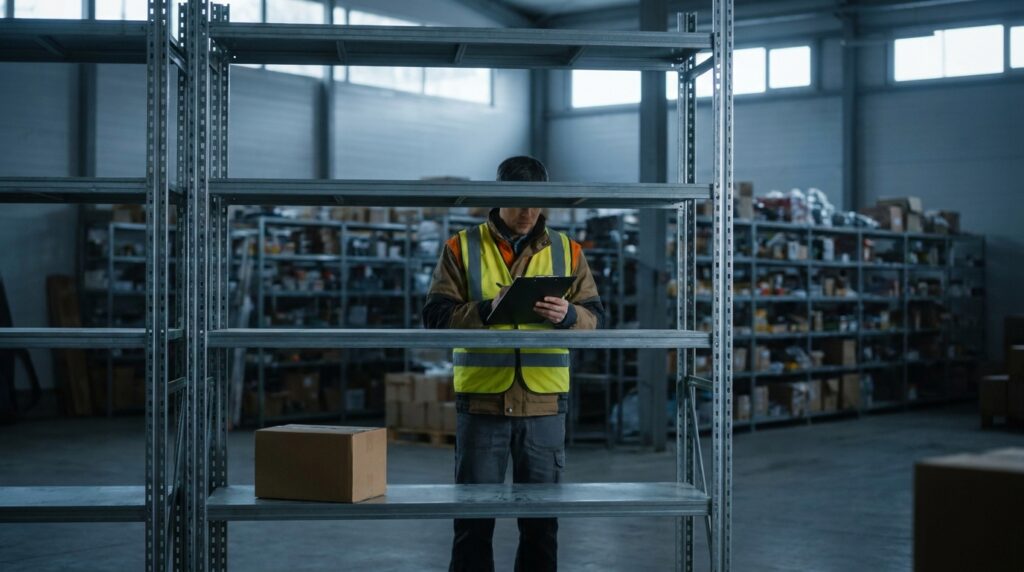
- The item is not in the warehouse right now.
- The seller has more on the way from its supplier or factory.
- You can place the order today and keep your place in line.
- The order ships when the stock arrives, usually with an estimated date.
- Depending on the store, you are charged when you order or when the item ships. The store’s checkout page or policy says which.
Backorder vs out of stock vs pre-order
| Status | Can you order? | Has the product been sold before? | What it means |
|---|---|---|---|
| In stock | Yes | Yes | Ships right away |
| Backordered | Yes | Yes | Sold out for now. Ships when the next shipment arrives. |
| Out of stock | No | Yes | Not available. No order is taken, and there may be no restock date. |
| Pre-order | Yes | No | A new product that has not been released yet |
| Discontinued | No | Yes | The product will not come back |
How long does a backorder take?
There is no standard time. It depends on the supplier’s lead time, which is the number of days from when the seller reorders until the stock is ready to ship. A domestic supplier may restock in days. An import shipment can take weeks. A good seller shows an estimated ship date and updates it if it changes.
What causes backorders?
- A demand spike: a promotion, a holiday or a viral post sells more than the forecast.
- Too little safety stock: no buffer for a busy week or a late delivery.
- Supplier or shipping delays: production problems, port congestion or customs holds.
- Wrong inventory counts: the system shows units that are not really on the shelf.
- Selling the same stock on several channels without syncing quantities, so two marketplaces sell the last unit.
- A deliberate choice: some sellers of made-to-order or expensive goods keep little stock and sell on backorder on purpose.
Backorders for sellers: pros and cons
| Pros | Cons |
|---|---|
| You keep the sale instead of losing it to a competitor | Customers wait longer, and some cancel |
| Less cash tied up in stock | More “where is my order” messages |
| Real demand data for the next purchase order | Orders must be tracked and shipped in the right sequence |
| Works well for made-to-order products | Late shipment can break marketplace rules |
Backorders on Amazon, Walmart and eBay
On your own website you decide whether to accept backorders. Marketplaces are stricter. They measure sellers on shipping on time and on cancellation rates, so an order you cannot ship by the promised date hurts your account. If you ship orders yourself, it is safer to set the quantity to zero or to lengthen the handling time until stock arrives, and to check each marketplace’s current rules before selling stock you don’t have.
How to calculate backorder rate
Backorder rate = orders that could not be filled from stock ÷ total orders × 100
Example: 40 backordered orders out of 2,000 orders in a month is a backorder rate of 2%. Track it per product. A high rate on a few SKUs usually points to a forecasting or supplier problem with those items.
How to manage and reduce backorders
- Set a reorder point for every SKU: average daily sales × lead time, plus safety stock. See inventory forecasting.
- Keep safety stock on your best sellers.
- Sync inventory across all channels in real time, so the last unit is sold only once.
- Count your stock regularly so the system matches the shelf. See cycle counting.
- Show honest ship dates on backordered items and email customers if a date slips.
- Ship backorders in order, oldest first, as soon as stock arrives.
- Have a second supplier for products you cannot afford to run out of.
Avoid backorders with one view of your stock
Most accidental backorders start with a number that is wrong somewhere. Crazy Vendor’s inventory management keeps one stock count per SKU across Amazon, Walmart, eBay, Etsy, Shopify, WooCommerce, Magento and Wix, including FBA, WFS and your own warehouse, and updates every channel after each sale. Order management shows all open orders in one list so nothing waits unnoticed. Plans start at $29/month with a 21-day free trial. See pricing.
Related: avoiding overstock and stockouts, multichannel inventory sync and what is a SKU.
Frequently asked questions
What does backordered mean?
It means the item is temporarily sold out, but the seller is still taking orders and will ship yours when new stock arrives.
Is backordered the same as out of stock?
No. A backordered item can still be ordered and has more stock on the way. An out-of-stock item cannot be ordered until it is restocked.
Do you pay for a backordered item right away?
It depends on the seller. Some charge when you place the order and others when the item ships. Check the store’s policy at checkout.
Can I cancel a backorder?
In most stores you can cancel before the item ships. The seller’s cancellation policy has the details.
What is a good backorder rate?
Lower is better, and it depends on the business. A seller that ships from stock should aim to keep it close to zero. A made-to-order business will have a high rate by design.
Updated November 12, 2026.