

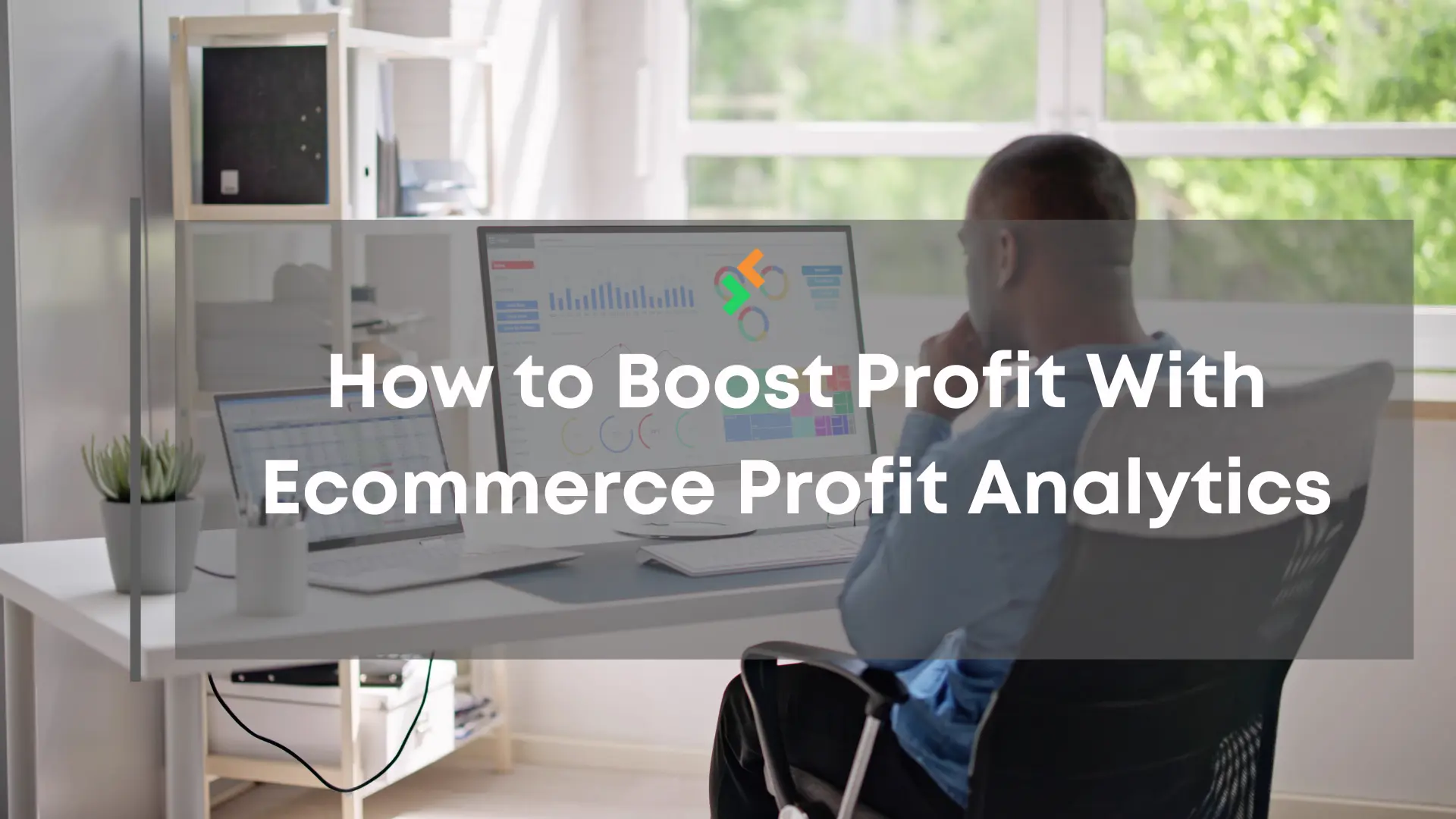




Profit in marketplace selling can look simple on the surface, but the real numbers sit deeper than basic revenue totals. Sellers who use dashboards with strong ecommerce profit analytics see true earnings after fees, returns, ads, and shipping.
Many losses spread quietly across listings, which makes them hard to spot without the right data. A clear analytics dashboard turns hidden details into simple insights that sellers can act on right away.
Table of Contents
Step 1: Understand Ecommerce Profit Analytics
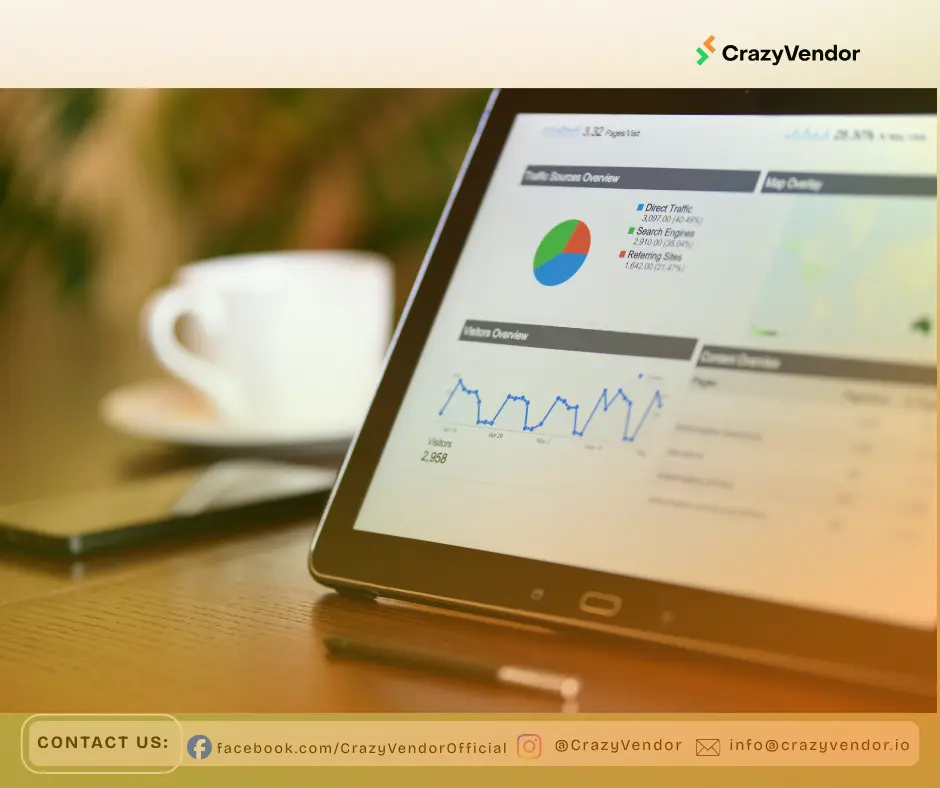
Ecommerce profit analytics helps sellers see the financial impact of every listing. It measures margins, fees, and trends in a clear way so sellers understand the true performance of each product.
With a detailed dashboard, you can find hidden costs, improve prices, and focus on items that bring steady profit over time.
What Ecommerce Profit Analytics Helps You See
Sales totals only show how fast products move. Ecommerce profit analytics shows what each unit keeps after costs, returns, and fees.
This deeper view matches the kind of breakdown you see in resources like Shopify Pricing Guide, where fee structures and cost layers shape real earnings.
Why This Matters For Marketplace Sellers
Marketplaces change fees, competition, and rules over time. A strong profit view helps sellers stay flexible and protect margins even when the market shifts.
Step 2: Read Your Profit Dashboard the Right Way
Your dashboard brings the main profit numbers into one place. It highlights earnings, fees, and item performance in a way that is easy to scan.
Focus On Your Key Profit Numbers
Start with total margin, total fees, and net profit. These numbers show whether your store is earning well or losing money on certain listings. Many high-selling items look strong until you see their real profit.
Use Profit Analytics Inside CrazyVendor
Inside Profit Analytics in CrazyVendor, all core numbers appear in a single dashboard. This lets you check profit without exporting many reports or building manual spreadsheets.
Step 3: Find Hidden Costs That Cut Into Profit
Hidden costs are one of the main reasons profit drops even when sales look stable. Profit analytics makes these costs visible.
Common Hidden Costs To Review
Returns, refund rates, shipping adjustments, storage, and marketplace fees all affect real earnings. These patterns are common across e-commerce, as shown in Statista’s retail insights, which highlight how operational shifts impact margin.
How Clear Cost Breakdowns Support Decisions
Once costs are mapped to each product, it becomes easier to see where money leaks out. Sellers can change prices, suppliers, or packaging with more confidence.
Step 4: Compare Product Profitability
Comparing items inside the dashboard helps you decide where to focus your time and budget. This stops you from pushing items that move volume but lose money.
Spot Strong And Weak Performers
Look for products with healthy margins, steady sales, and low returns. These are your core earners. Items with low margins or rising costs are warning signs you should review.
Use Comparisons To Plan Your Catalog
By comparing products side by side, you can plan which items to scale, which to improve, and which to retire. This creates a cleaner, stronger catalog over time.
If you sell on more than one channel, multichannel guides can also help you see how product performance shifts across marketplaces.
Step 5: Track Margin Changes Over Time
Margins do not stay the same. Changes in shipping, competition, and marketplace fees all affect how much you keep per sale. Profit analytics helps you track these changes instead of reacting late.
Watch For Early Signals In Margin Trends
Small drops in margin often appear before a full profit decline. Tracking these changes helps you act early instead of waiting for a bigger problem.
Use Time Filters To See Shifts
Your dashboard lets you view profit by day, week, or month. This helps you notice when costs rise, ads become less effective, or prices need revision.
Structured ecommerce management processes also support better profit control by making it clear who owns which part of the workflow.
Step 6: Use The Dashboard To Improve Pricing
With ecommerce profit analytics, pricing becomes a data-backed decision instead of a guess. Sellers can see how small changes affect the bottom line.
Test Small Price Adjustments
Use your dashboard to test small increases in price on selected items. If net profit rises and sales stay stable, you have found a better price point. If volume drops too much, you can adjust again with clear insight.
Balance Competition And Margin
ecommerce profit analytics helps you see where you can stay competitive and still keep a healthy margin. This is important on Amazon and Walmart, where competition is strong.
Accurate stock, pricing, and channel sync work together. When these parts are aligned, it is easier to protect profit and keep performance strong.
You can read Multichannel Inventory Sync to see how accurate stock and pricing together support profit and performance.
Step 7: Remove Low-Performing Items
Removing weak items frees up time, budget, and space. ecommerce profit analytics shows which products do not support your long-term goals.
Use The Dashboard To Identify Weak Listings
Look for items with low or negative margins, high return rates, or rising costs. These are often the products that quietly pull profit down.
Focus on a Cleaner and Stronger Catalog
When you remove poor performers, your store becomes easier to manage. It also becomes easier to keep stock, pricing, and service quality high for your best items.
You can check 7 Quick Label Printing Tips for Busy Sellers to sharpen your shipping process once your catalog is more focused.
Conclusion
Ecommerce profit analytics helps you see real profit, not just sales. When you check your dashboard, track costs, compare products, and watch your margins, your business becomes easier to manage. Clear profit data helps you make better choices and stay in control on Amazon and Walmart.
If you want a simple way to understand your profit and make data-driven decisions without heavy manual tracking, CrazyVendor can help you get there.
People also read
- Why Multichannel Inventory Sync Is So Hard for Sellers
- Defining eCommerce Management
- Multichannel Selling Explained
You can also follow us on social media for more e-commerce insights and updates